Invitation Only
Invite guests and collect RSVPs — no picking at all. Best for parties, dinners and celebrations.
Invitations & RSVP
Create a digital invitation with a cover photo, date, place and a personal message. Share one link, watch the RSVPs come in, and — when you want — let guests pick what they'll bring, right on the invitation page.
Create Your Invitation Join a Group
Your first group is free. Members always join free.
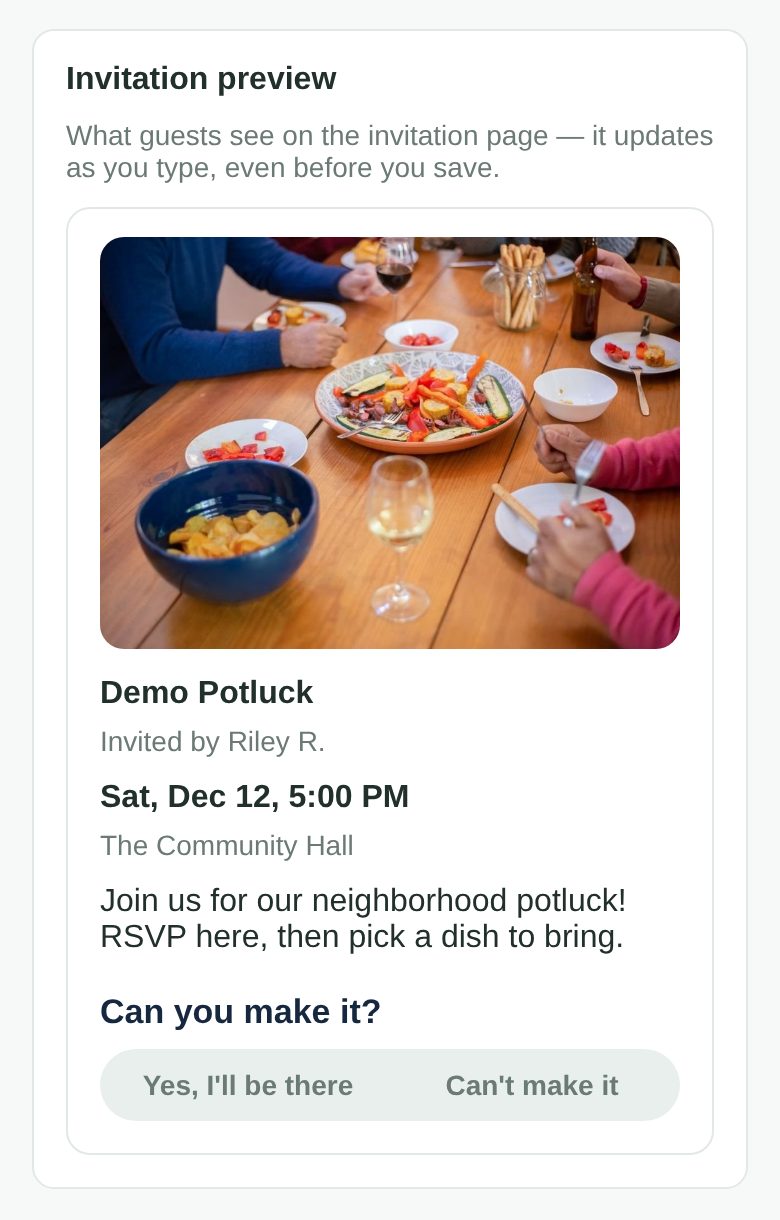
Invite guests and collect RSVPs — no picking at all. Best for parties, dinners and celebrations.
Collect RSVPs and let guests choose what to bring or contribute, right on the invitation page.
Skip the event details and organize contributions with a picking group on its own.
Invitation starter templates include Friendsgiving, Birthday, Dinner Party, Game Night and Volunteer Day — each with a cover photo, a starter message and a matching list, ready to edit.
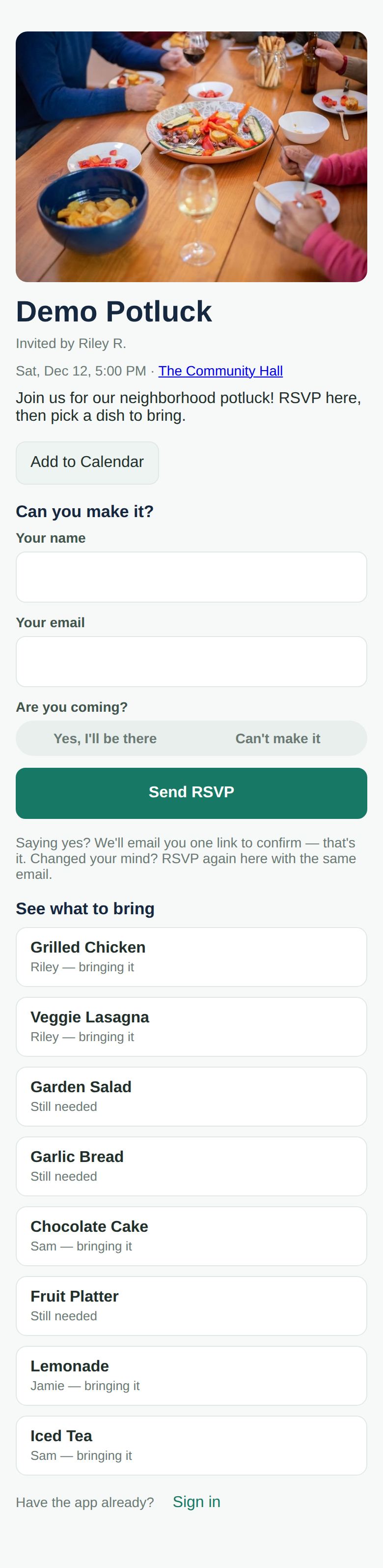
This is a real invitation page from the app, for a small demo potluck. Guests open one link, see the event details, answer Yes or No, and — for this invitation — pick a dish to bring from the list below the RSVP form.
The example is shown as a picture so you can look without changing anything. Create your own free group to try the real thing.
Or try the real thing first: our live demo invitation is a sample event, not a real gathering — open it, send an RSVP, and pick a potluck item from the list, just like a guest would.
No. Anyone with the invitation link can view the invitation and respond. Guests who want to pick items or join the group can sign up free.
Yes — the invitation page includes an Add to Calendar button that saves the event with its real date, time and place.
Yes. Choose “Invitation + Picking” and guests choose dishes or contributions right on the invitation page.
Yes. Your first organizer group — invitations included — is free, and members always participate free.
More answers on the full FAQ page.
Bring everyone together
Create your first group, invite your people and make organizing together easier.
Free first group. Free member participation.